 clozeli
01 · Import
Add in one tap.
Pick photos, videos or documents from Photos, Files or any app, or scan paper straight into the vault. Clozeli then offers to remove the originals from your library.
- Photos
- Files
- Share to Clozeli
- Scanner
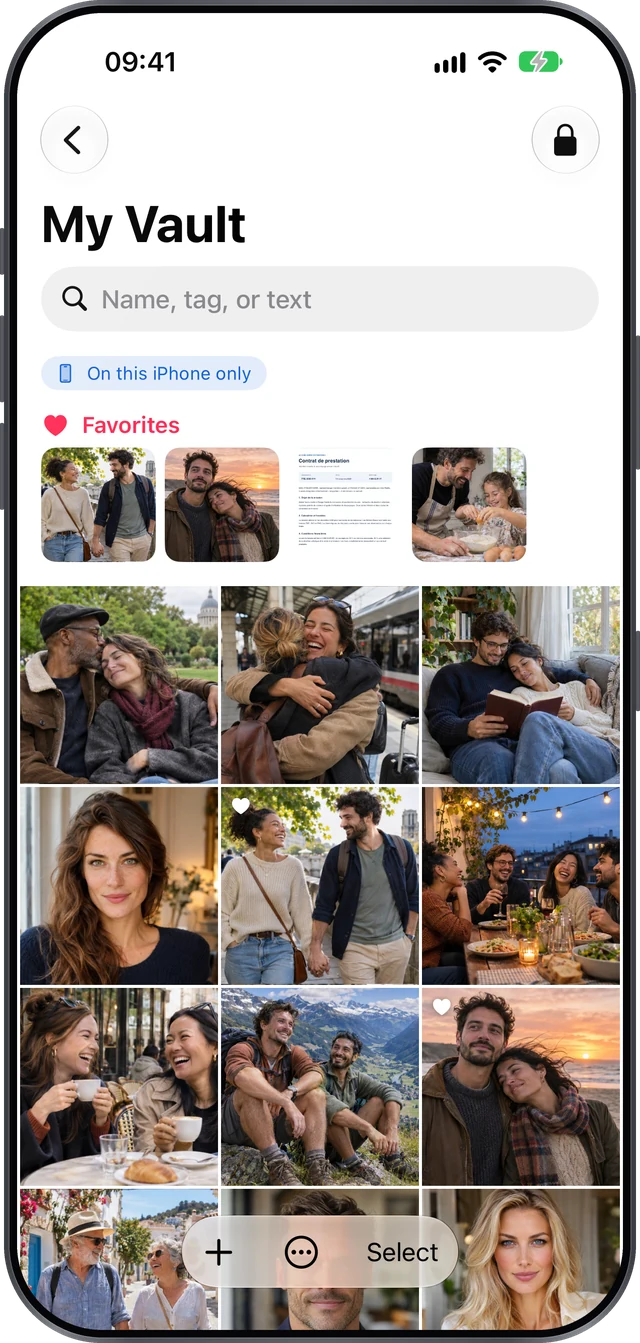
Photos, IDs, contracts, prescriptions: Clozeli keeps everything that is nobody else’s business in a place of its own. Face ID, then your pattern: two checks to open the vault, and nothing ever leaves your device.
Requires iOS 26 or iPadOS 26 · Free for up to 5 files
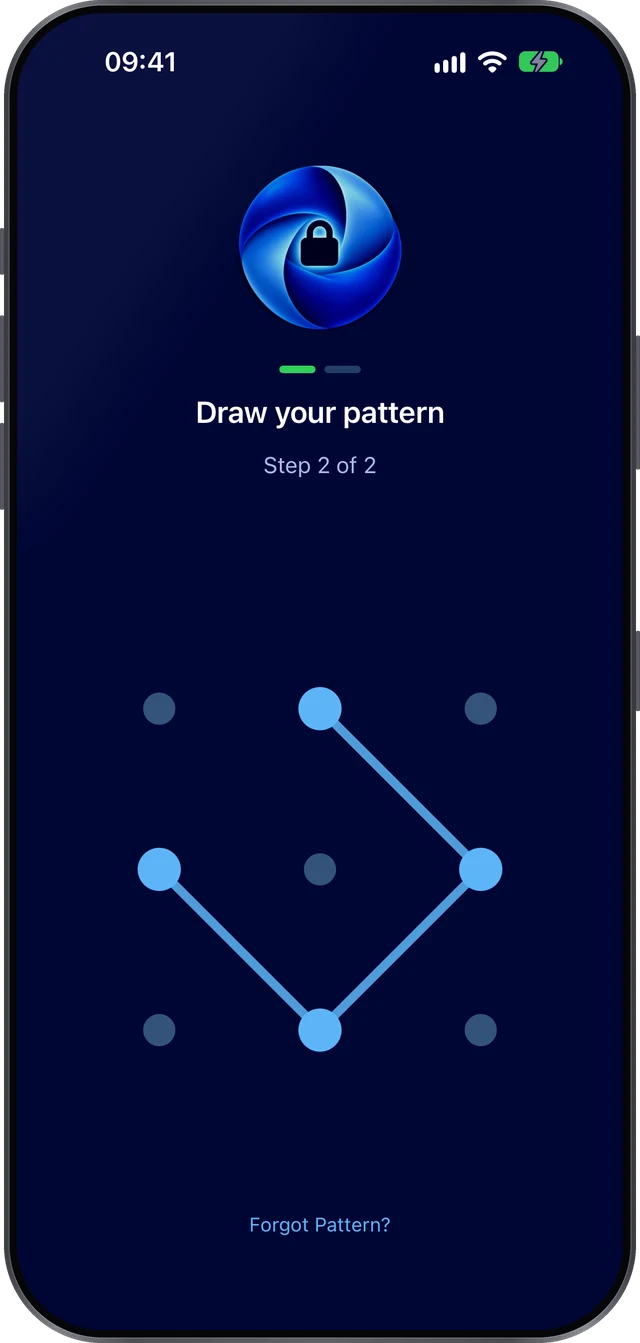
The vault only opens after two checks in a row. Someone who knows your passcode, or holds your iPhone up to your face, still stays outside.
Your device’s biometrics confirm it’s really you. Clozeli stores nothing about your face or fingerprint.
A shape only you know, on a 3 × 3 or 4 × 4 grid, and fully usable with VoiceOver.
Leave the app, place your iPhone face down or fold your iPhone Duo, and the vault closes.
Clozeli uses the gestures you already know. Nothing to learn, and everything is found in seconds.
Pick photos, videos or documents from Photos, Files or any app, or scan paper straight into the vault. Clozeli then offers to remove the originals from your library.
Folders and subfolders, favourites, tags and notes. Search looks through names, tags and even the text recognised in your documents, without sending anything online.
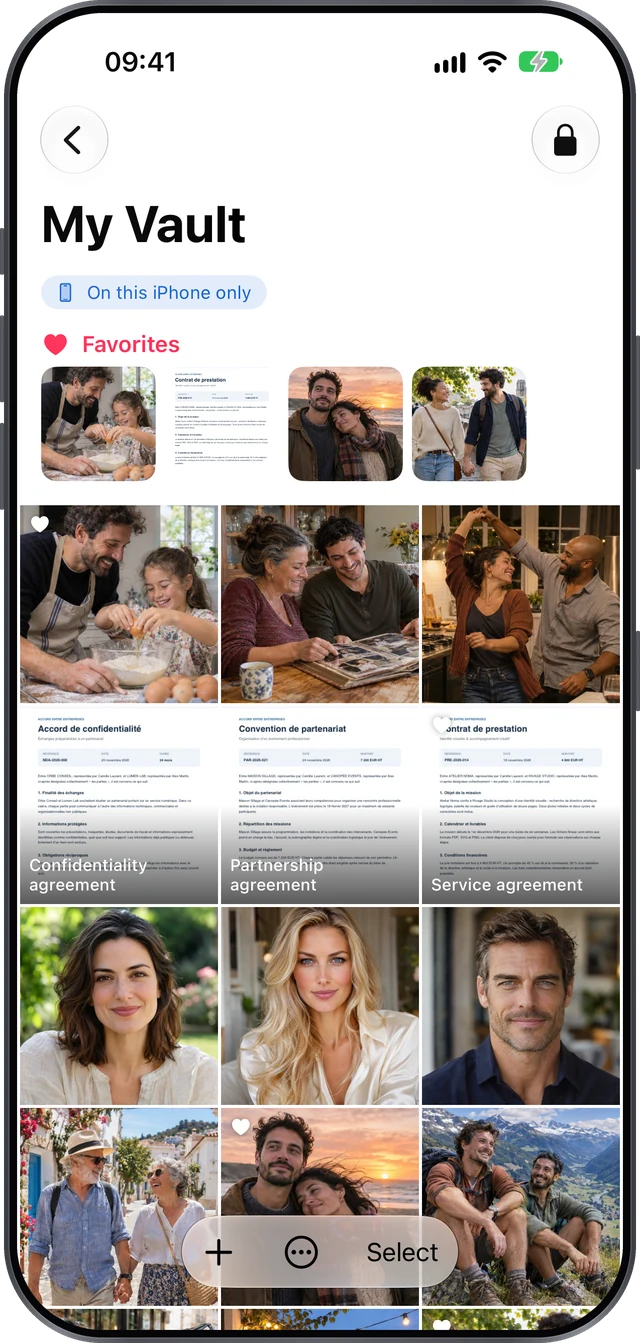
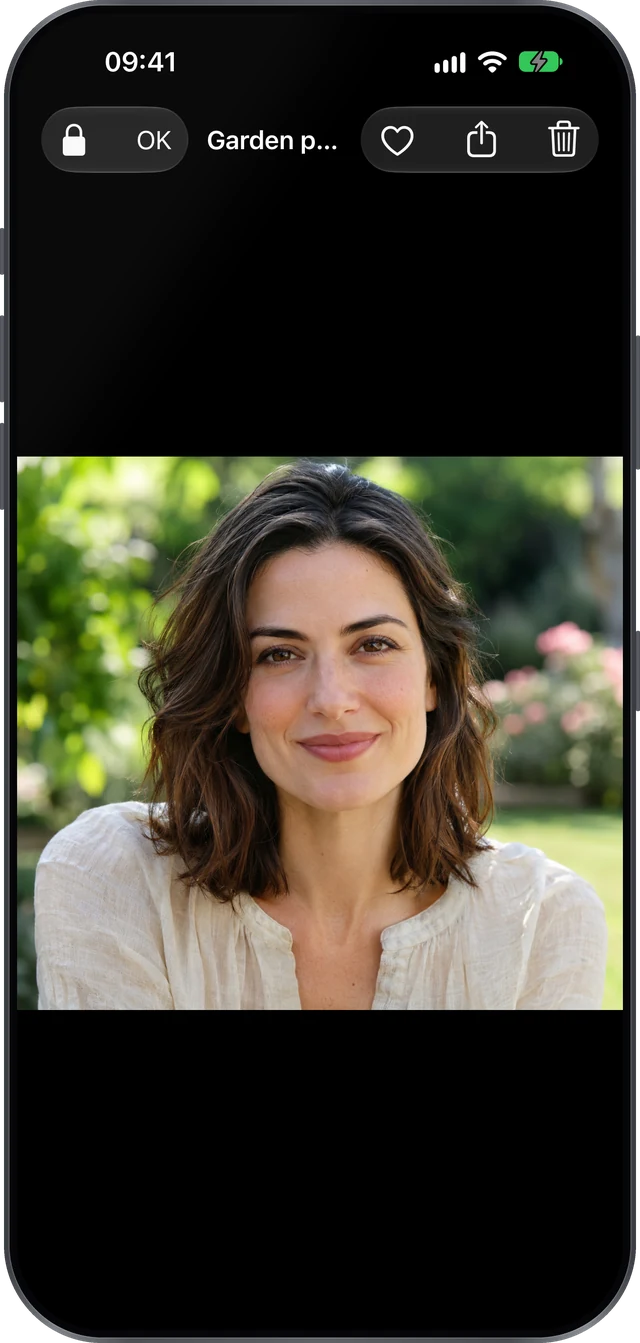
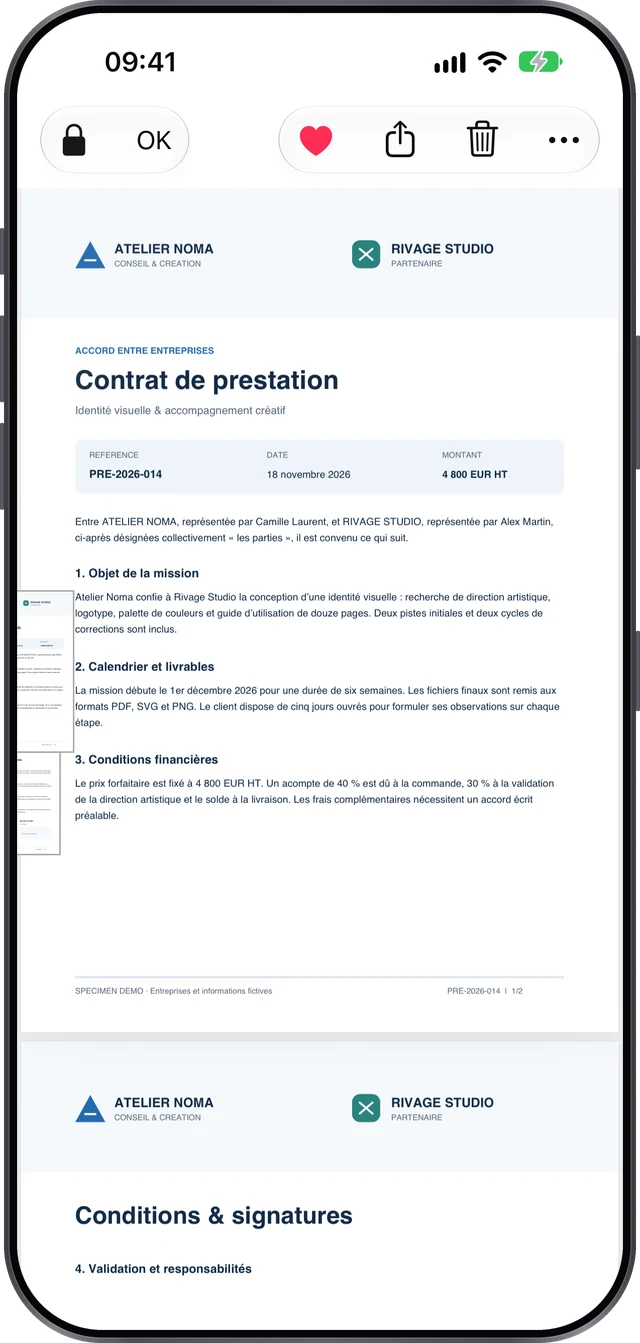
Smooth zoom on photos, video playback, PDFs page by page that reopen where you left off. Go full screen in one gesture, and come back just as easily.
A 30-day trash, a recovery key to print or keep somewhere safe, encrypted backups on request and direct transfer to your new iPhone, without any server.
Clozeli doesn’t invent its own cryptography: it relies exclusively on the security built into iOS, proven on billions of devices.
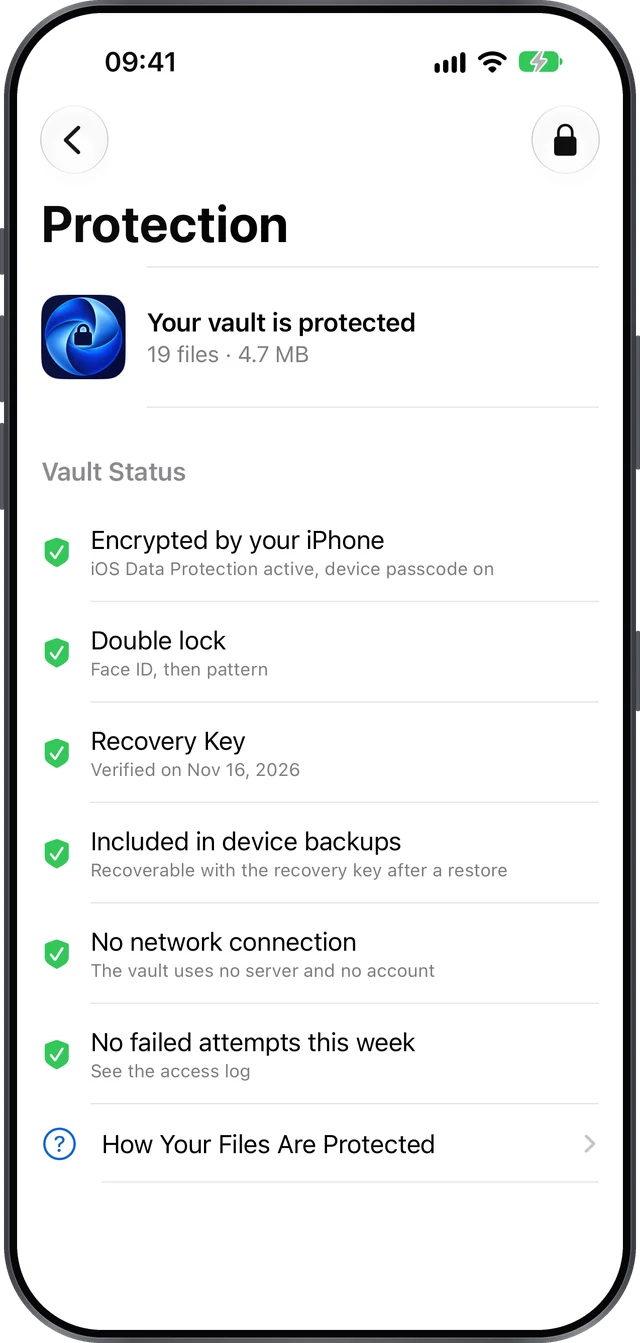
No jargon, no scary alerts: the Protection screen tells you in plain language what is active on your vault.
Files can only be read while your iPhone is unlocked and the vault is open.
Your pattern and biometrics are checked by iOS. Clozeli never stores your pattern in the clear.
A second pattern opens an empty, believable vault, for moments when you’re forced to open it.
Content is hidden in the app switcher and during screenshots or screen sharing.
Optionally, after several wrong patterns, the front camera takes a photo of whoever is trying.
Every opening, every failure and every use of the decoy code is recorded on the device.
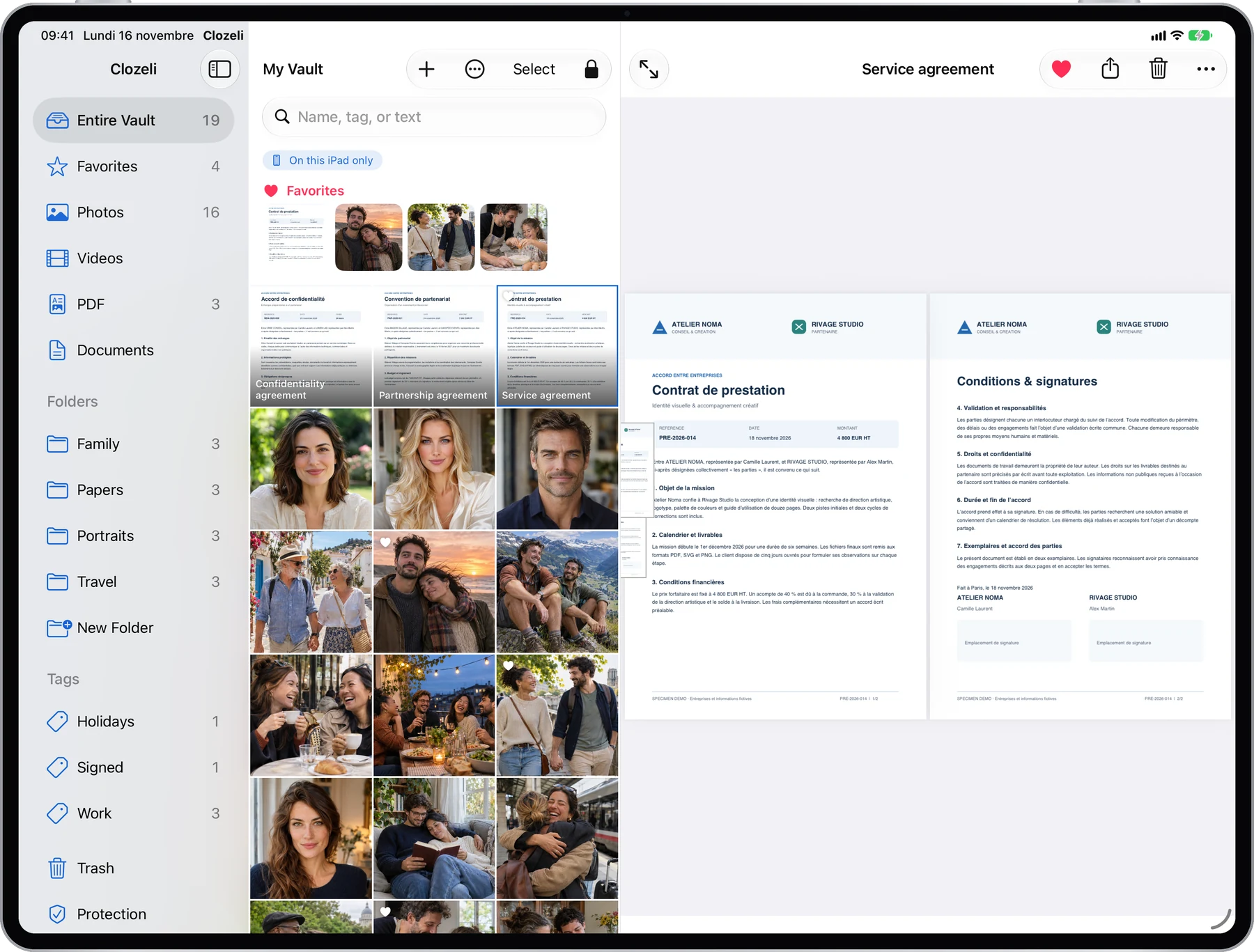
Folders, content and preview side by side. Drive the vault from the keyboard and trackpad, drag files in from Files, and work in windows with iPadOS 26.
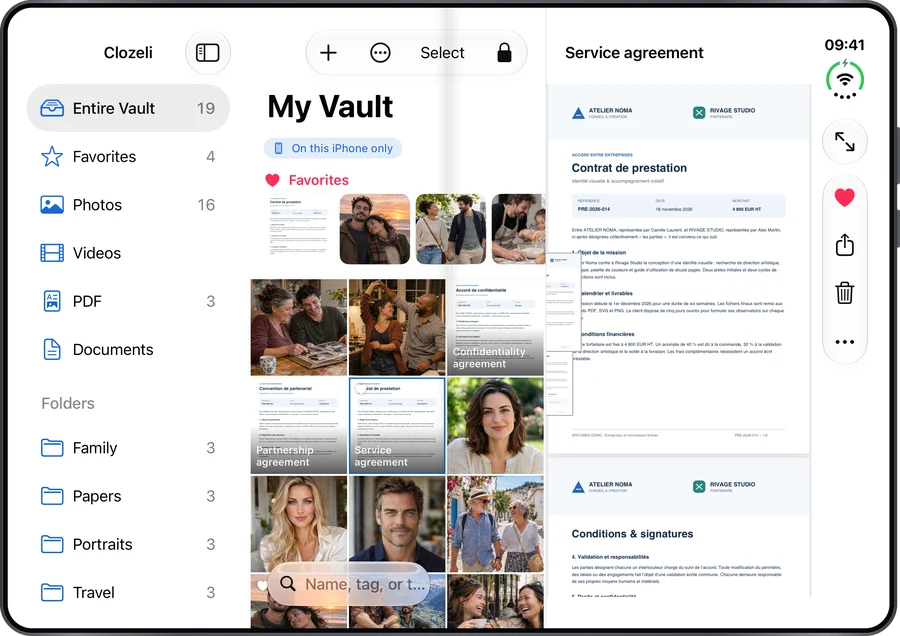
Unfolded, iPhone Duo shows the grid and the preview side by side. Fold it and the vault locks, then picks up exactly where you were next time.
A comfortable one-handed pattern, every common action in two gestures or fewer, and Dynamic Type up to the largest text sizes.
Security never depends on payment: double lock, encryption, trash, export and backup are included for everyone.
A real little vault, forever.
The same features, whichever plan you choose.
Indicative French prices including VAT, before launch; local prices may vary. If you stop Pro, you keep all your files and can always open and export them.
No. Clozeli has no server and no account. Your files stay on your device. They only leave it if you export or share them, or choose to include the vault in your backups.
Your recovery key, given when you create the vault, lets you reopen it and choose a new pattern. You can print it, save it as a PDF or send it to yourself. Keep it off your iPhone.
Direct transfer copies your vault from one device to the other over encrypted local Wi-Fi, without going through the internet. You can also restore an encrypted backup.
Face ID alone can be bypassed by someone who knows your iPhone passcode or holds the phone up to you. The pattern, known only to you, adds a second, independent barrier.
A second pattern, different from the real one, that you set up in Settings. Drawn after Face ID, it opens a separate, empty vault. Nothing in it reveals that the real vault exists.
iPhone and iPad running iOS 26 or iPadOS 26 with Face ID or Touch ID, including iPhone Duo. Each device has its own vault, with no sync.
Never. All your files and folders remain viewable and exportable. Only new Pro operations require payment again.

Clozeli is coming soon to the App Store, for iPhone, iPhone Duo and iPad.
The Stratetia ecosystem
Tools for work, creativity and everyday life, built by the same team.